
If you/your realtor previously uploaded the Photo Identification document and you're missing the Liveness Verification task, please carefully follow these instructions:
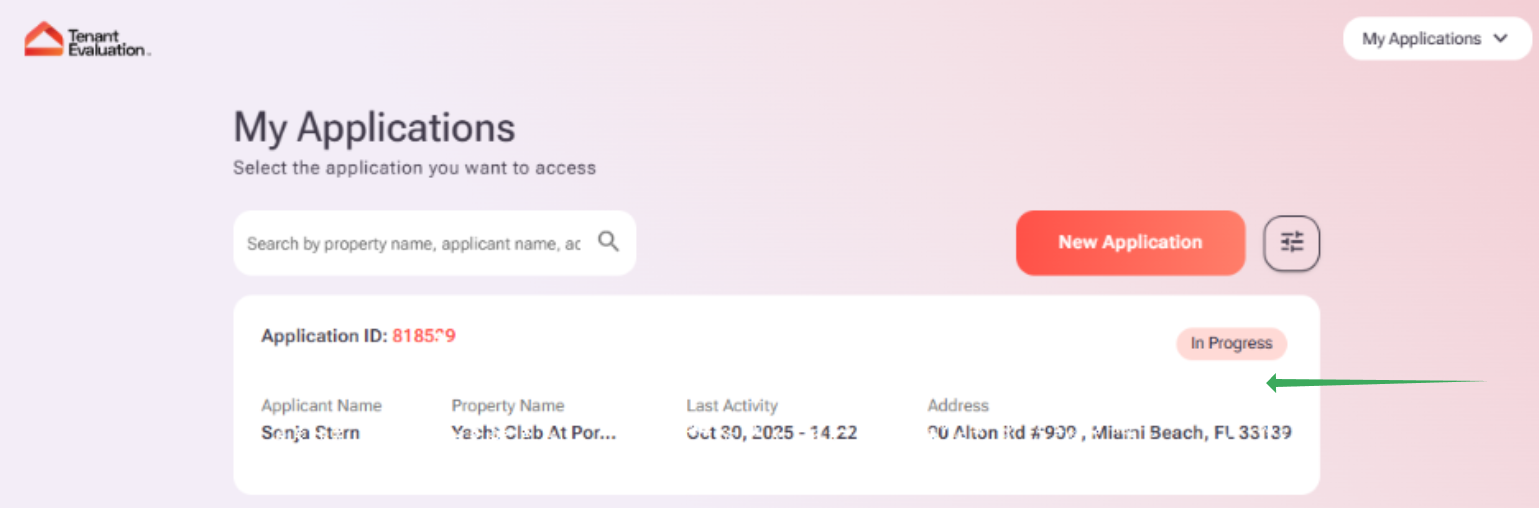
1. Log in to your tenant account at: https://tenantev.com/ and click the application that you created.
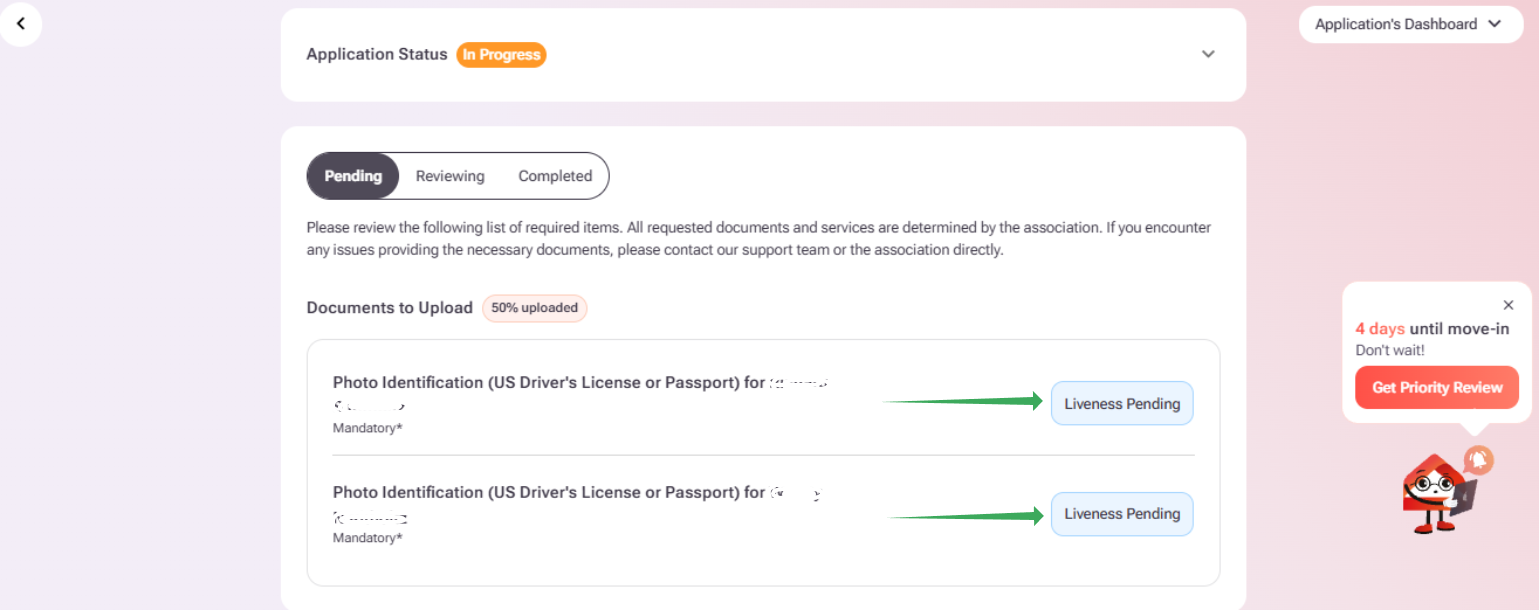
2. Scroll down until you see the "Pending" tab. Then, click on the "Liveness Pending" option next to the Photo ID requirement.
3. You'll get the following page to complete the Verification required by the Association. Click on "Start Identity Check".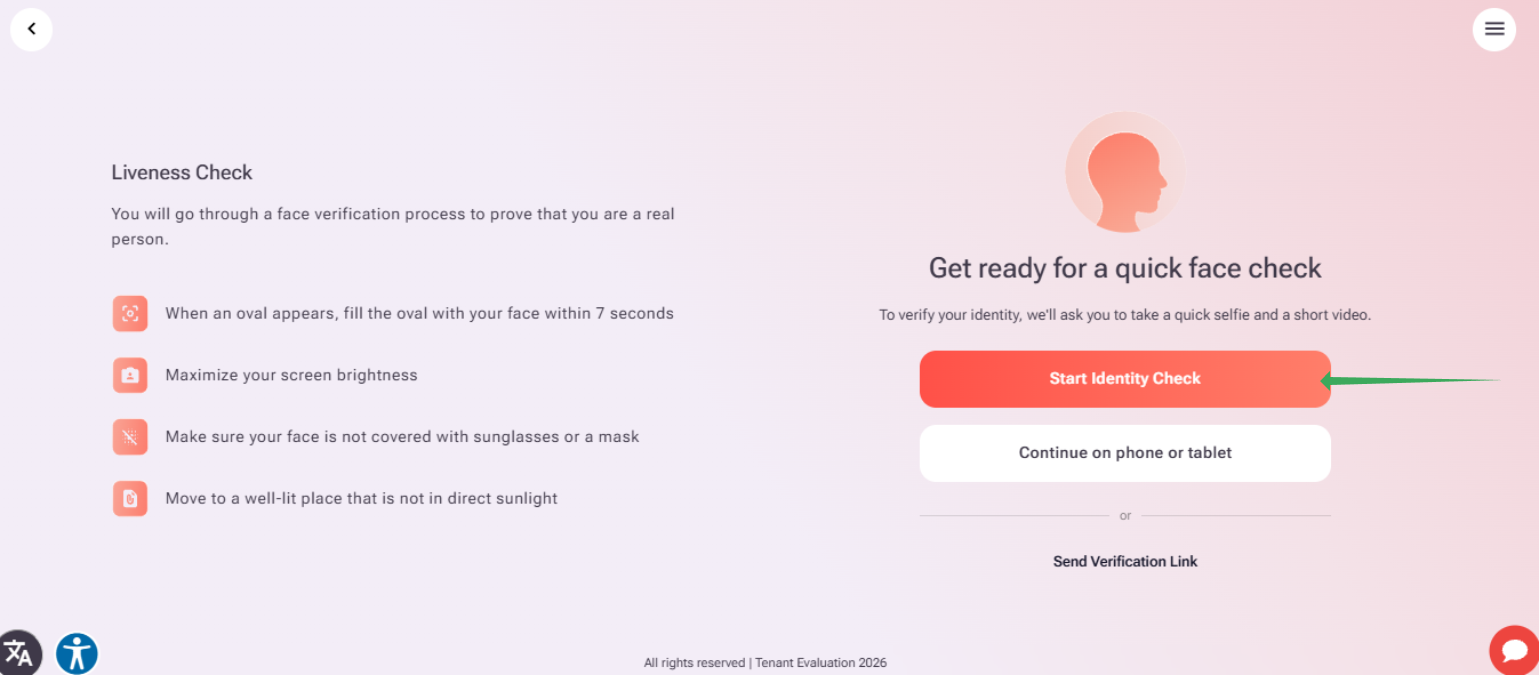
4. We'll try to access your camera for the verification; please allow tenantev.com to access it, and once done, the system will take a quick photo of you.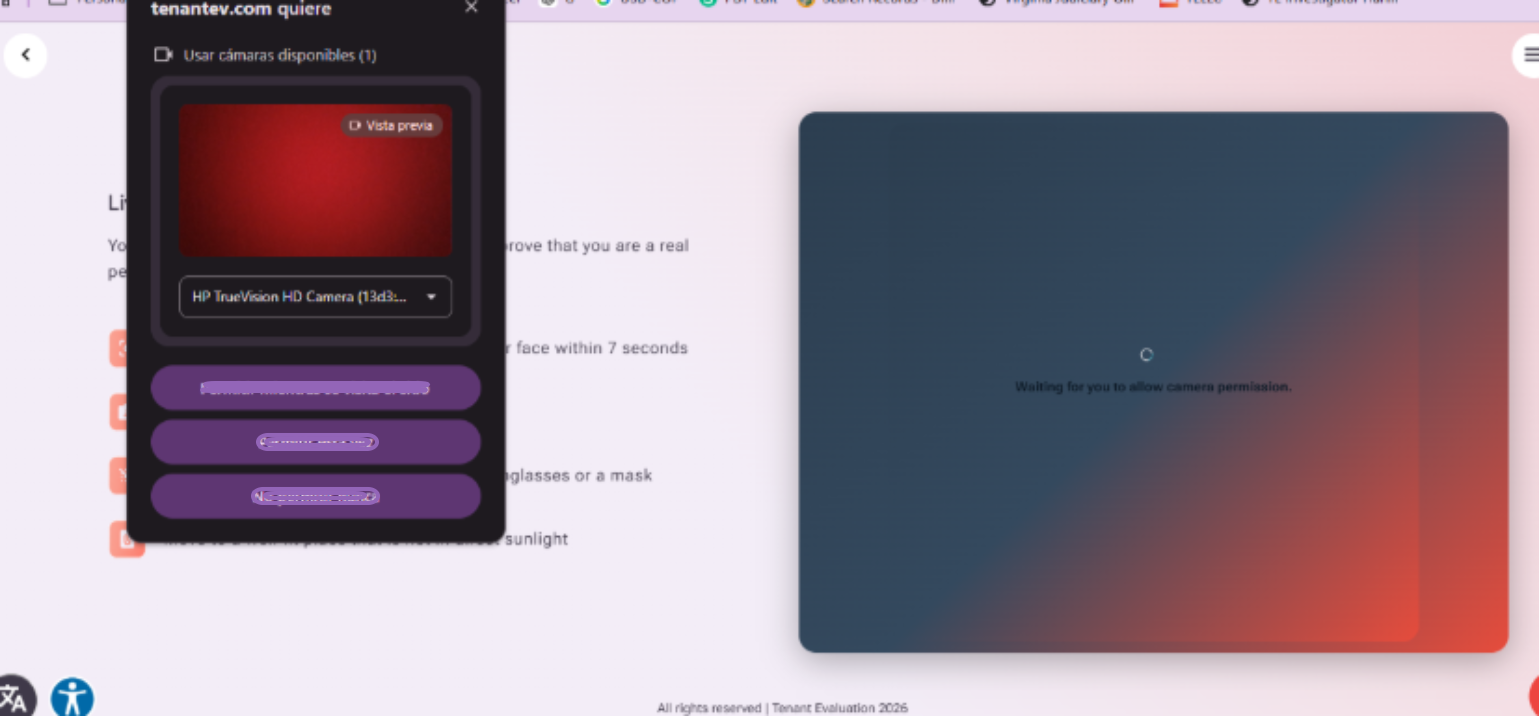
5. Once you complete the liveness verification, you'll get the following completion page confirmation, where you can click "Back to the dashboard".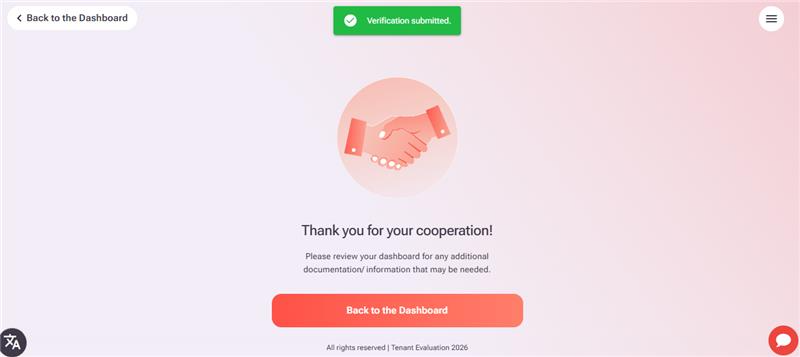
That's it! Your liveness verification will be completed. If you face any issue within this process, please contact support@tenantevaluation.com for assistance; we'll be happy to help!